

When you own cryptocurrency, you don’t actually store coins in a digital pocket. You store private keys-secret codes that prove you own your coins on the blockchain. Lose those keys, and your crypto is gone forever. That’s why choosing the right wallet isn’t just about convenience-it’s about survival. The two main options? Hot wallets and cold wallets. One is always online. The other is always offline. Which one keeps your money safer? Let’s break it down with real numbers, real attacks, and real advice from experts.
What Is a Hot Wallet?
A hot wallet is any crypto wallet connected to the internet. Think mobile apps like Trust Wallet or Exodus, browser extensions like MetaMask, or wallets built into exchanges like Coinbase Wallet. These are designed for speed. You want to swap tokens, stake in DeFi, or pay for an NFT? Hot wallets make it happen in seconds. They work because they’re always online. Your private keys live on your phone or computer, ready to sign transactions the moment you tap ‘confirm.’ That’s great for trading-but dangerous if someone hacks your device. In 2024, over 1,800 hot wallet users lost funds because of remote attacks. Phishing links, fake airdrops, and malware stole $2.1 billion in crypto that year alone, according to Chainalysis. One Reddit user, u/CryptoLearner89, lost $12,500 after clicking a fake Uniswap link in February 2025. That’s not rare. It’s standard. Hot wallets support over 5,000 cryptocurrencies across 100+ blockchains. MetaMask alone connects to more than 12,800 decentralized apps. But here’s the catch: the more you use them, the more you expose yourself. If you keep more than $5,000 in a hot wallet for longer than 72 hours, you’re playing Russian roulette with your funds. Dr. David Wagner from UC Berkeley says it plainly: “Any amount exceeding $5,000 should never reside in hot storage for more than 72 hours.”What Is a Cold Wallet?
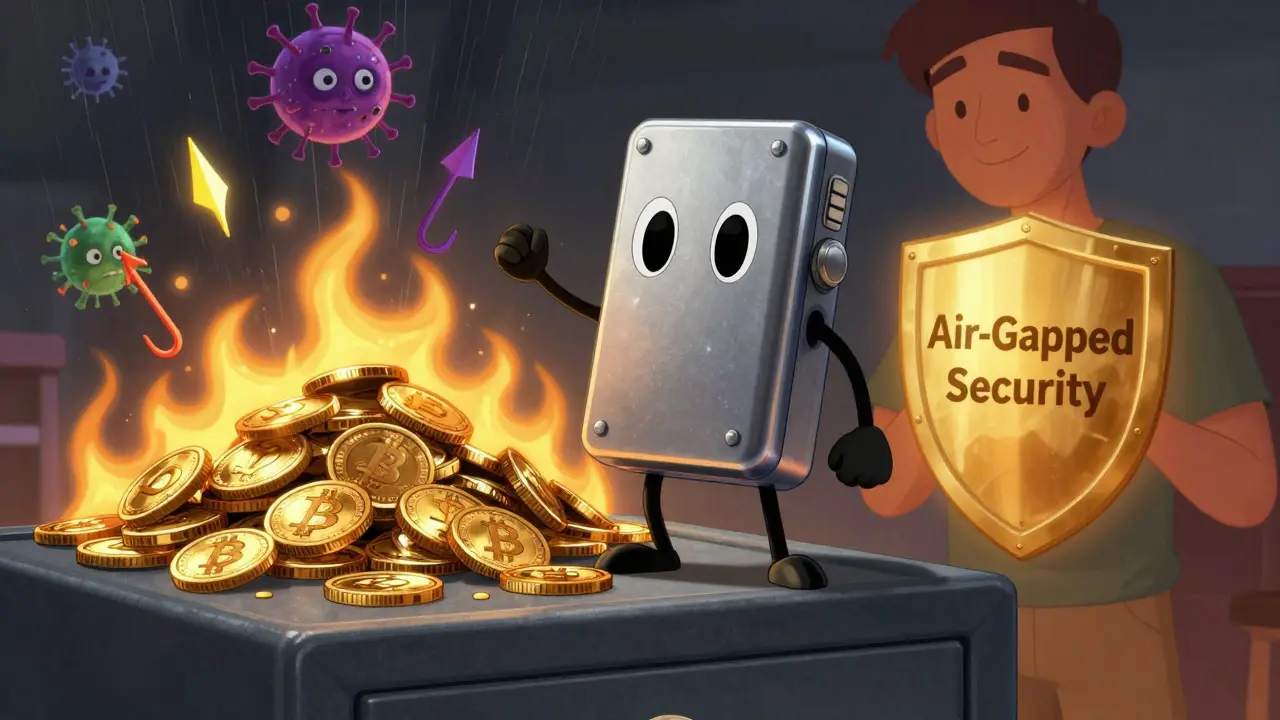
A cold wallet is an offline storage device. It’s usually a small hardware box-like the Ledger Nano X, Trezor Model T, or Ellipal Titan-that never touches the internet. Your private keys stay locked inside a secure chip, isolated from hackers, viruses, and phishing scams. To send crypto, you connect the device to your phone or computer, review the transaction on its screen, and approve it with a button. No internet. No remote access. No chance for malware to steal your keys. These devices became mainstream after Ledger released the Nano S in 2016. Today, Ledger has shipped over 5.2 million units. Trezor has sold millions more. They cost between $149 and $219. But the price isn’t just for the hardware-it’s for peace of mind. Cold wallets are the only type that has never been hacked remotely since 2018. Ledger’s own incident database shows zero successful remote attacks on properly used hardware wallets. Kaspersky’s 2024 study found that cold wallets reduce hacking risk by 99.3% compared to hot wallets. Why? Because they’re air-gapped. Your private key never leaves the device. Even if your computer is infected, the wallet stays safe.Security Comparison: Cold Wallets Win by a Mile
Let’s look at hard numbers.- Remote attack defense: Cold wallets block 99.7% of remote attacks. Hot wallets? Only 62.3%.
- Malware protection: Cold wallets prevent 98.7% of malware-based theft. Hot wallets? Vulnerable to clipboard hijacking, session cookie theft, and keyloggers.
- Loss rate: 3.7% of cold wallets are lost or damaged each year (BitGo, 2024). That’s mostly from people misplacing them or forgetting their PIN. Hot wallets? They’re stolen 43% more often when holding over $10,000.
- Recovery: Cold wallets use 12-24 word seed phrases stored offline. If your device breaks, you can restore everything on a new one. Hot wallets? If you lose your phone and didn’t back up your seed phrase? Game over.
When Hot Wallets Make Sense
Don’t ditch your hot wallet entirely. It’s not evil-it’s just not for storage. Use a hot wallet for:- Small amounts you trade daily ($100-$500)
- Interacting with DeFi protocols (Uniswap, Aave, Compound)
- Quick payments or NFT purchases
- Testing new tokens before moving them to cold storage
When Cold Wallets Are Non-Negotiable
If you own any of these, you need a cold wallet:- More than $5,000 in crypto
- Bitcoin, Ethereum, or other long-term holdings
- Large NFT collections
- Any crypto you plan to hold for more than a few weeks
The Hidden Dangers of Cold Wallets
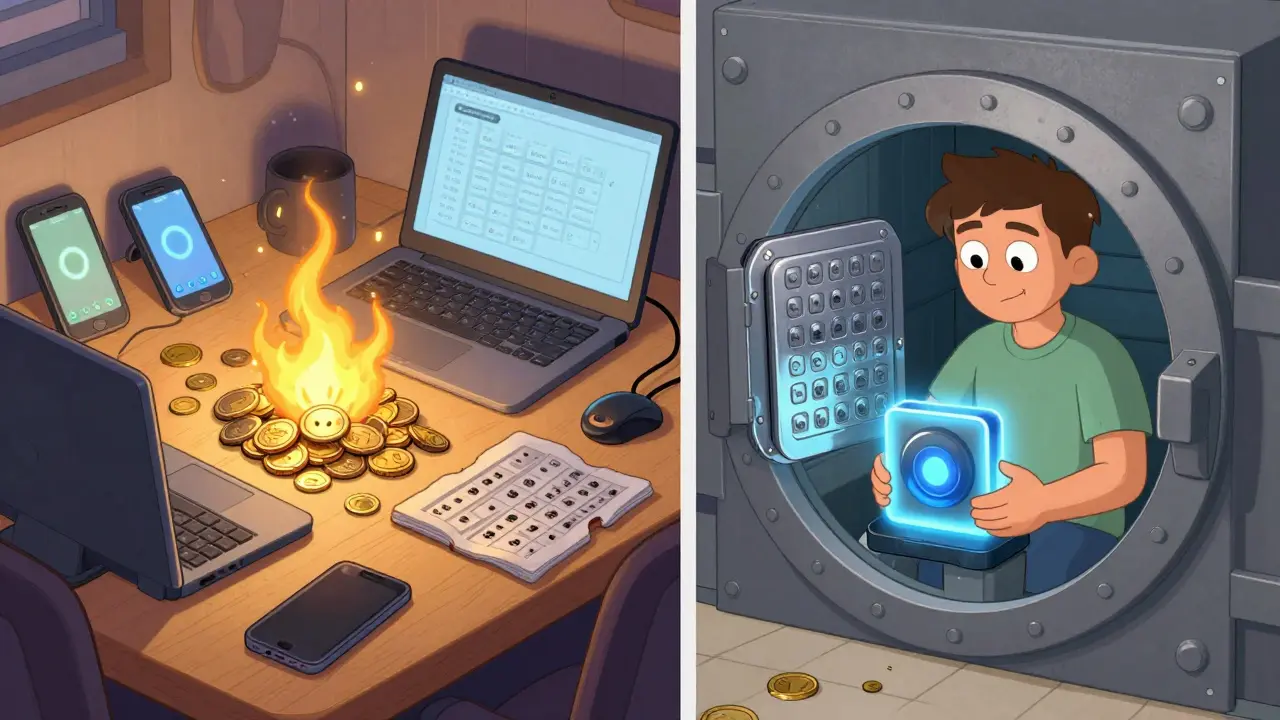
Cold wallets aren’t foolproof. They just protect against different threats. The biggest risk? Physical loss. In Q1 2025, 142 cold wallet users reported losing their devices. One person left their Ledger Nano X in an Uber and lost $87,000. Another forgot their PIN and couldn’t recover their seed phrase. These aren’t hacker stories-they’re human errors. Also: outdated firmware. Chainalysis found that 68% of compromised Ledger devices in 2024 were running old software. Hackers exploit known bugs. If you don’t update your device, you’re leaving the door open. Always check for updates. And don’t write your seed phrase on your phone or cloud. That defeats the whole purpose. Store it on paper. In a fireproof, waterproof box. Or better yet, use a metal seed phrase backup like Cryptosteel.Real User Ratings: What People Actually Say
Trustpilot data tells a clear story:- Hot wallets: Average 3.8/5 stars. MetaMask: 3.7/5. Coinbase Wallet: 4.1/5.
- Cold wallets: Average 4.6/5 stars. Ledger: 4.7/5. Trezor: 4.5/5.
What Experts Recommend
Here’s what the top voices in crypto say:- Dr. David Wagner (UC Berkeley): “Never keep more than $5,000 in a hot wallet for more than 72 hours.”
- Charlie Lee (Litecoin creator): “I keep 95% in cold storage. Only 5% in hot wallets for daily use.”
- Jonathan Levin (Chainalysis): “Hardware wallets create false security if you ignore firmware updates.”
- Vitalik Buterin (Ethereum founder): “Hot wallets are essential for network participation-just don’t store large sums in them.”
How to Set Up a Cold Wallet Right
If you’re buying your first hardware wallet, don’t skip these steps:- Buy from the official site (Ledger.com, Trezor.net). Never third-party sellers.
- Power on the device. Write down the 24-word recovery phrase. Do not type it into a computer.
- Store the phrase on metal plates. Put it in a fireproof safe.
- Verify the phrase by re-entering it on the device. Skip this? You’re risking your entire balance.
- Update firmware immediately. Check for updates every 3 months.
- Use a PIN. Never use “1234” or “0000.”
- Keep the device in a dry, cool place. Avoid sunlight and moisture.
Future of Wallets: Hybrid Solutions
The future isn’t hot vs cold. It’s both. Coinbase just launched a “Vault” feature that combines cold storage with hot access. It requires 2-of-3 signatures: your phone, a cold device, and an institutional custodian. You can send crypto in seconds-but only if three systems agree. No single point of failure. Researcher Naomi Brockwell predicts air-gapped mobile wallets will dominate by 2027. Imagine your phone using NFC to sign transactions without ever connecting to Wi-Fi. That’s the next step: cold security, hot convenience. But for now? Stick to the proven model. Keep your big holdings offline. Use hot wallets for small, frequent moves.Final Rule: Your Money, Your Rules
There’s no perfect wallet. Only the right one for your habits.- Trading daily? Use a hot wallet-but never store more than you can afford to lose.
- Holding long-term? Use a cold wallet. Period.
- Own more than $5,000? You’re already in the danger zone if you’re using a hot wallet.
- Lost your seed phrase? You lost your crypto. No exceptions.
Are hot wallets safe for long-term storage?
No. Hot wallets are designed for frequent transactions, not long-term holding. They’re always connected to the internet, making them vulnerable to phishing, malware, and remote hacks. Experts like Dr. David Wagner and Charlie Lee recommend keeping any amount over $5,000 in cold storage. Hot wallets should only hold small amounts for daily use.
Can cold wallets be hacked remotely?
No, not if used correctly. Cold wallets store private keys offline on secure hardware chips. They never connect to the internet during normal use. Even if your computer is infected with malware, the wallet remains untouched. Since 2018, there have been zero documented cases of remote attacks successfully compromising a properly used hardware wallet. The only risks are physical theft, lost PINs, or outdated firmware.
What happens if I lose my cold wallet?
If you have your 12- or 24-word recovery seed phrase stored securely, you can restore your wallet on any new hardware device. But if you lost the device AND didn’t write down the seed phrase, your crypto is permanently gone. There’s no customer support, no password reset, and no way to recover it. That’s why writing down and protecting your seed phrase is the most important step in crypto security.
Is Ledger safer than Trezor?
Both Ledger and Trezor are equally secure when used properly. They use similar secure element chips, support the same cryptocurrencies, and follow the same air-gapped design. Ledger has a larger market share (5.2 million units shipped), while Trezor has a slightly better reputation for open-source transparency. Neither has been hacked remotely. The choice comes down to price, screen size, and app support-not security.
Should I use both a hot and cold wallet?
Yes, and most experts recommend it. Use a cold wallet to store the majority of your crypto-anything over $5,000. Use a hot wallet for small amounts you trade daily or use in DeFi. This gives you the best of both worlds: security for your savings, and convenience for everyday use. Never keep large sums in a hot wallet, and never skip backing up your cold wallet seed phrase.
What’s the biggest mistake people make with crypto wallets?
The biggest mistake is assuming their wallet is safe just because it’s a well-known brand. People use hot wallets to store large amounts, skip firmware updates on hardware wallets, write seed phrases on phones or cloud notes, or fail to verify their recovery phrase during setup. Security isn’t about the wallet-it’s about your habits. Treat your private keys like a bank vault key: never share it, never digitize it, and never leave it unguarded.
KingDesigners &Co
February 26, 2026 AT 22:15Hot wallets are a trap for newbies. I lost $8k last year from a fake MetaMask popup. 😔
Now I keep everything cold. No exceptions. If you're not using a hardware wallet, you're basically giving your crypto to hackers.
It's not rocket science. Just buy a Ledger. Do the seed phrase right. Done.
Felicia Eriksson
February 28, 2026 AT 20:03Just started with crypto last month and this post saved me.
I was gonna keep my ETH in MetaMask because it was easy.
Now I’ve ordered a Trezor. Thank you for the clarity.
aaron marp
March 1, 2026 AT 23:59Great breakdown. I think the real takeaway isn’t hot vs cold-it’s about behavior.
Most people lose crypto not because of hackers, but because they didn’t back up their seed phrase.
Or they wrote it on a sticky note. Or took a photo. Or saved it in Notes.
The tech is solid. The human is the weak link.
Teach people to treat their seed phrase like a birth certificate. Not a password.
Patrick Streeb
March 2, 2026 AT 08:58While the technical merits of cold storage are indisputable, one must also consider the psychological burden of managing offline assets.
For the non-technically inclined, the act of physically securing a recovery phrase introduces a cognitive load that may result in unintended vulnerability.
Therefore, the optimal solution may lie not in absolute security, but in sustainable user behavior patterns.
Perhaps hybrid systems with biometric authentication and decentralized recovery protocols represent the future.
Nevertheless, the empirical data presented herein is compelling and warrants serious consideration.
Phillip Marson
March 2, 2026 AT 12:33Anyone who still uses a hot wallet for more than pocket change is either braindead or trying to get robbed
And don’t even get me started on people who write their seed on their phone
That’s not dumb that’s a crime against humanity
I’ve seen guys lose 300k because they thought iCloud was ‘secure’
Bro you just handed your future to a guy in a basement in Moldova
Grow up. Get a hardware wallet. Do the work.
Or stop complaining when your life savings vanishes
Tracy Whetsel
March 4, 2026 AT 04:16I love how you emphasized the human side of this.
It’s not about tech-it’s about habits.
I used to think cold wallets were overkill until I lost my phone and realized I had no backup.
Now I keep my seed on metal plates in a fireproof box.
And yes, I check firmware updates every 3 months like clockwork.
It’s a ritual now. Like brushing my teeth.
And I smile every time I check my balance and know it’s truly mine.
That peace of mind? Priceless.
❤️
Alyssa Herndon
March 4, 2026 AT 23:06I get why people use hot wallets.
They’re easy.
They feel like part of your phone.
Like your email or your Spotify.
But crypto isn’t like that.
It’s not a service.
It’s a vault.
And if you treat it like an app, you’re asking for trouble.
I don’t judge.
I just wish more people understood how fragile this really is.
And how irreversible loss feels.
Michael Rozputniy
March 5, 2026 AT 15:29Wait a minute
What if the government is using the cold wallet narrative to push people into centralized custody
What if Ledger and Trezor are secretly backdoored
What if the seed phrase is just a distraction
Have you ever wondered why the SEC pushes for cold storage so hard
It’s not about safety
It’s about control
And what if your ‘offline’ device is actually transmitting data through Bluetooth firmware
Did you check the chip’s firmware signature
Did you verify the bootloader
Or are you just trusting a company with a shiny box
Think about it
It’s not paranoia
It’s protocol
Danny Kim
March 6, 2026 AT 03:09So let me get this straight
You’re telling me the guy who lost $87k because he left his Ledger in an Uber is somehow the exception
Not the rule
Because apparently people just don’t lose things anymore
And nobody forgets their PIN
And nobody updates their firmware like they update their TikTok app
Yeah right
Meanwhile I’m over here watching people lose millions because they thought ‘I’ll just screenshot the seed’
It’s not a security issue
It’s a humanity issue
Cathy Sunshine
March 7, 2026 AT 15:22How quaint.
You treat crypto like a bank account.
As if safety is measured in percentages and hardware specs.
But the truth is, if you need a wallet to ‘feel safe’
You’ve already lost the game.
Real wealth isn’t stored.
It’s understood.
It’s not about cold wallets.
It’s about detachment.
Let go of the keys.
Let go of the need to control.
Then you’ll truly own your crypto.
Until then, you’re just a tourist with a Ledger.
Shannon Black
March 8, 2026 AT 06:47In Japan, we refer to this as ‘kakkoii’-cool, but dangerous.
Hot wallets are convenient, yes.
But they reflect a culture of immediacy.
Cold wallets require patience, discipline, ritual.
These are not just technical choices.
They are cultural ones.
When I first moved to the U.S., I was shocked how casually people treated seed phrases.
Here, it’s Notes app.
In Tokyo, it’s handwritten on washi paper, sealed in a bamboo tube.
One is practical.
The other is sacred.
Perhaps the answer lies not in which wallet, but in what we value.
Richard Cooper
March 10, 2026 AT 01:06Just bought a Ledger.
Did the seed phrase.
Put it in a safe.
Done.
Life is good.
Peace out.
Dee Resin
March 11, 2026 AT 08:30So you’re telling me the guy who lost $12,500 on a phishing link…
is the same guy who’s gonna lose his life savings because he didn’t update firmware…
and also wrote his seed on a Post-It…
and keeps his wallet in his car…
and thinks ‘I’ll just buy another one if I lose it’?
Oh honey.
What a time to be alive.